Chess books
Open a PDF and the diagrams on every page are marked, and you can draw a box around any the search missed. In an ePub, each image gets a Read diagram button. Books reopen at the page you reached, and nothing in them is uploaded.
Screenshots, book pages and paused videos: VizChess reads the pieces, rings any square it is unsure of, and runs Stockfish on your own device once you confirm the position.
Free during the demo. Sign in with your Lichess account to start.
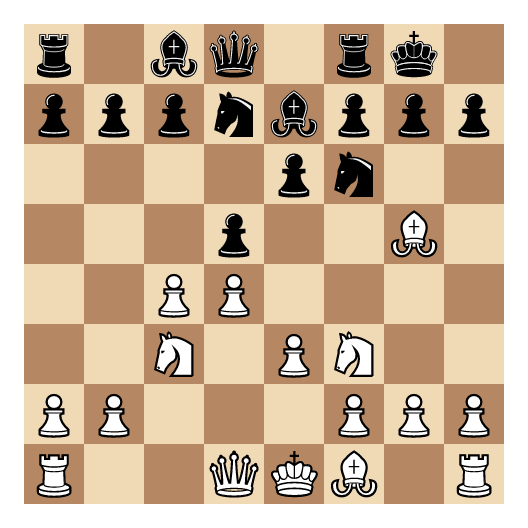
Paste a screenshot, open a PDF or ePub book, or press the extension button on a web page or a paused YouTube video.
The board appears beside the picture with doubtful squares ringed. Fix a square in a tap and confirm. Nothing goes further until you do.
Stockfish 18 runs in your browser, with an evaluation bar, the best lines and an arrow for the best move. Play moves and variations on the board.
Save the position to your library, train its key move as a flashcard, or open the same board on Lichess with every move you played.
Open a PDF and the diagrams on every page are marked, and you can draw a box around any the search missed. In an ePub, each image gets a Read diagram button. Books reopen at the page you reached, and nothing in them is uploaded.
The VizChess extension for Chrome, Edge and Firefox lights up the boards on a page. Click one, drag a box around it, or right-click an image. On YouTube, a knight button reads the paused frame. It stays off during live games.
Paste a screenshot straight from the clipboard, drop a file, or share a picture from your phone to the installed app. VizChess finds the board and shows what it read beside the picture.
Studies keep their moves, notes, source and page. Sign in on another device and the library is already there.
Make a card from any position with a move to find. Grade yourself, and spaced repetition brings the card back just before you would forget it.
Open a confirmed position in Lichess’s analysis board with its moves and variations, at the move you were looking at.
Yes. This release is a free demo, so accounts may be reset while VizChess is being built.
Yes. Sign in with your Lichess account, or with a username and password from the VizChess team. Your library then follows you to every device you use.
Printed diagrams in PDF and ePub books, screenshots and photos of a board, and boards on web pages and in paused videos. Diagrams typeset with a chess font inside a PDF’s text are not read yet.
Once the app is installed, scanning, analysis, books and your library keep working without a connection. Signing in and syncing wait until you are back online.
No. VizChess is for study. The browser extension refuses to work on live games at Lichess and Chess.com, and the terms of use forbid help during any game.
Images and books are read in your browser and never uploaded. Your account keeps your library in sync, and only a position you choose to look up or open goes to Lichess.
Open VizChess, sign in, and paste the position you have been staring at.
Open VizChess